Tuesday, April 18, 2023

2nd Marking Period - Organizing documents part 1 & 2

 April Photoshop tutorial - Group Layer tutorial

Organizing documents part 1 & 2 (module 6 & 7) via 21st Century Ed https://nyc-mcsm.matrixlms.com

21st Century Ed - 

Module 3 with Quiz 3 & project 3,   

Module 4 with Quiz 4 & project 4,   

Module 5 with Quiz 5 & project 5,  Birthday.png

Module 6 with Quiz 6 & project 6,  

Module 7 with Quiz 7 & project 7

*******************************

Classwork: Website Project 6 due 5/4/23
Make an PSD with a pattern background. Write your LAST name  so you can fill them with a gradient of 4 colors or more. background use a pattern defined by you. finish with some custom brush and shape work filled with Swatches, gradient, and pattern.

decorate with shapes and custom brushes.

***********************************************

Mp2 Website test - check to see if your link is posted here

**************************************

Monday, March 27, 2023

2nd Marking period - Project set up and design parts 1,2,3

 Project Setup and Interface parts 1,2,3  with 21st century ed via Teach Hub.

Modules 3,4,5 (spring break) Module 6,7 

New google drive folder (MP2 AQS11-0_ Your name)

add tutorials inside - 1st week (sushi flyer)

                                  2nd week (artboard, video

                                                   Review for project 5 with composite tutorial (deer)

                                                   * Project 5 - AP Fair / Top 10 Colleges Art board

                                  3rd week (brush)

Classwork: Project 5 due 3/31/23
Make an AP/COLLEGE flyer with using similar techniques as the "sushi flyer" incorporating an artboard for different formats for submission.

* Origami sakura


Thursday, March 16, 2023

1st marking period

12 tutorials (classwork) google drive link make sure the teacher has permission to see it.

essay + 4 projects (test) "posted on website"

21st century Module 1-2 with 2 (Quizzes)


blogspot.com

https://docs.google.com/spreadsheets/d/12wbllg_yaiKnL8AsA-Tji3tg0J6VY_ltppf9zoQqVp8/edit?usp=sharing


marking period 2

1st tutorial -https://helpx.adobe.com/photoshop/how-to/make-a-flyer.html

Friday, March 10, 2023

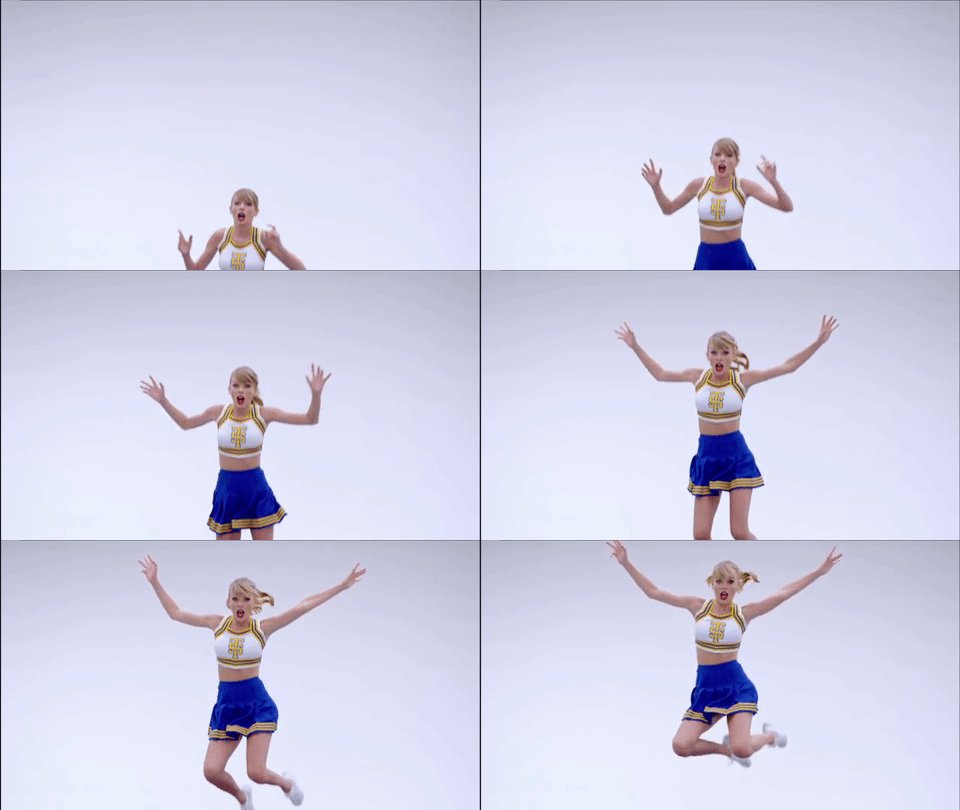
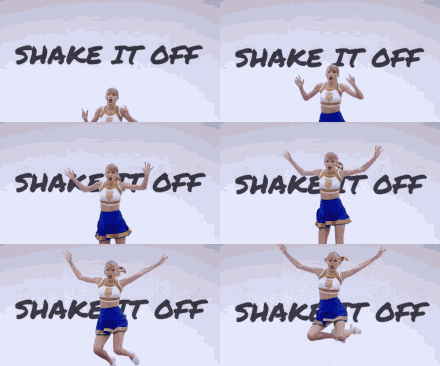
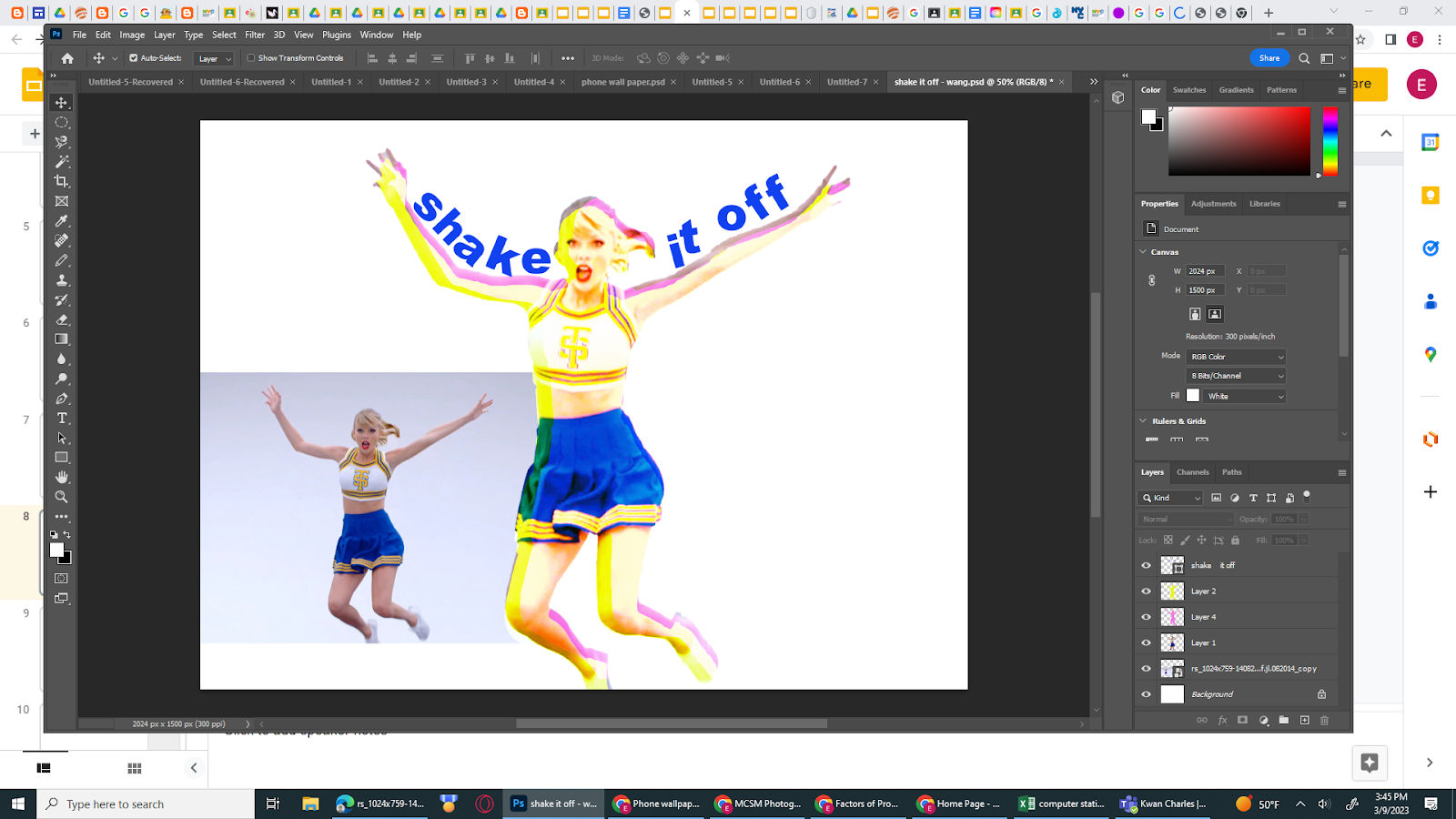
shake it off poster

TGIF  - shake it off poster....


using what you've learned in "GROOVY" and "ROLL with it" tutorials make a "shake it off" poster.

be creative when you combine them.

image link 


Thursday, March 2, 2023

Climate strike 2023 flyer

 Practice with https://creativecloud.adobe.com/learn/app/photoshop?topic=text

we did 5 of these... but there are more to practice with...

create a flyer with weather photos or graphics with TEXT effects (pls which tutorial(s) you are using for your flyer). https://creativecloud.adobe.com/en/learn/photoshop/web/text-effects-in-photoshop

what are your thoughts? watch this PBS video https://youtu.be/vFDnknU0h0s 


Friday, February 17, 2023

Mid Marking period recap and Text tutorial # 2

 Do now: which lesson are you on in Module 1? did you post your answer in the discussion area? 

   did you learn how to add text in PS?  Add text to a poster with the Type tool. Then edit and position it. Along the way, you’ll learn about point type and paragraph type in Photoshop.
Classwork: Your name Text 2.psd tutorial 
making a sales flyer with text and mask layers 
https://creativecloud.adobe.com/cc/learn/photoshop/in-app/make-a-social-media-image-with-photos-and-text?locale=en

HW: Lesson 4 in 21century Ed via Teach Hub
*******************************************************************************************************************
Mid Marking period today... Recap...
created and shared Google drive folder AQS11-0__ Photoshop (your name)
in the folder, you should have 5 orientation tutorials (giraffe, Parrot, fruit, girl in Helmet and truck).
selfie collage, Valentines Mandala with Text 1 and text 2 by today

21 Century Ed: Module 0 with syllabus quiz and Module 1 - Design part 1 Lesson 1-4 (need to post in Discussion and respond to 2 other classmate's post.)